|
Dose Movement Stages

Overview
After the [Move Doses] button is selected Historion works through a series of movement stages.
Historion is temporarily unavailable whilst Dose Readings are being moved. During this time progress is reported on screen.
Progression Through Stages
Historion displays the progression of each Dose Reading movement stage.
The [Back] button is not available until all Dose Movement Stages have completed.
.png)
Completed
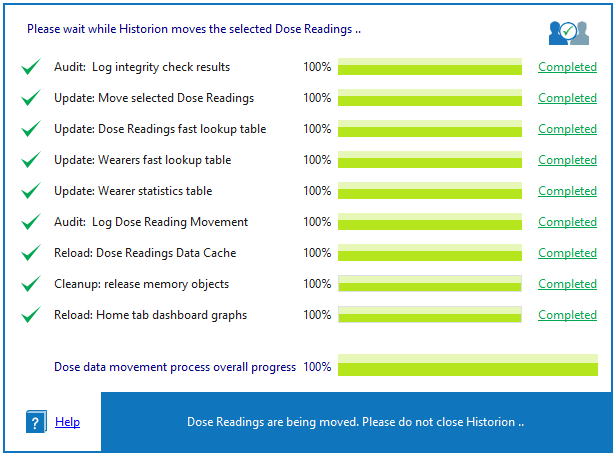
Completed prompt
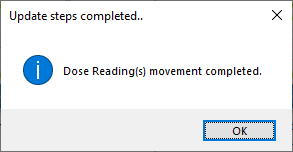
[Back] Button available
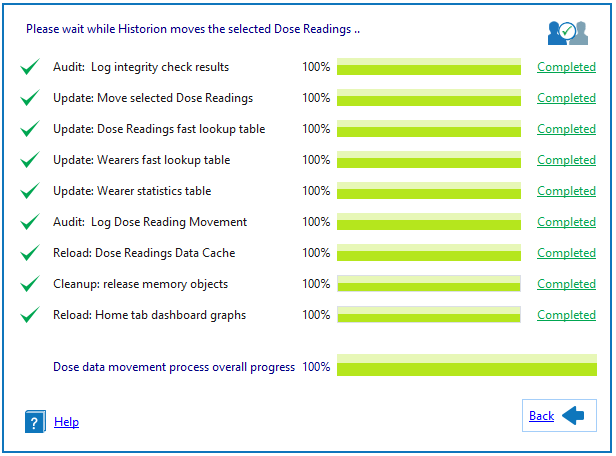
Dose Movement Stages
The following Dose Reading movement stages are processed;
Audit: Log integrity check results
Update: Move selected Dose Readings
Update: Dose Readings fast lookup table
Update: Wearers fast lookup table
Update: Wearer statistics table
Audit: Log Dose Reading Movement
Reload: Dose Readings Data Cache
Cleanup: release memory objects
Reload: Home tab dashboard graphs
Audit: Log integrity check results
Audit: Log integrity check results..
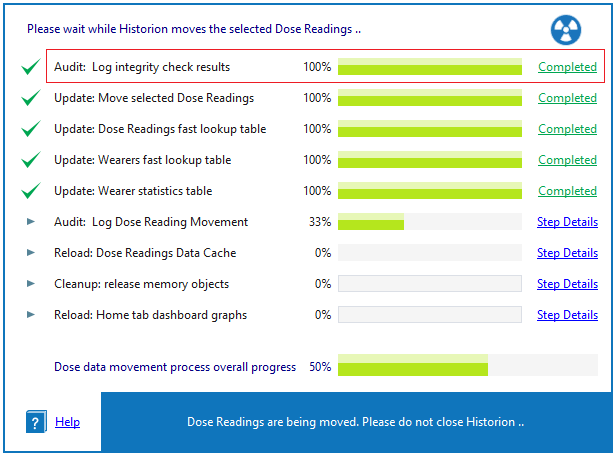
This step
üA
üB
üC
Update: Move selected Dose Readings
Update: Move selected Dose Readings..
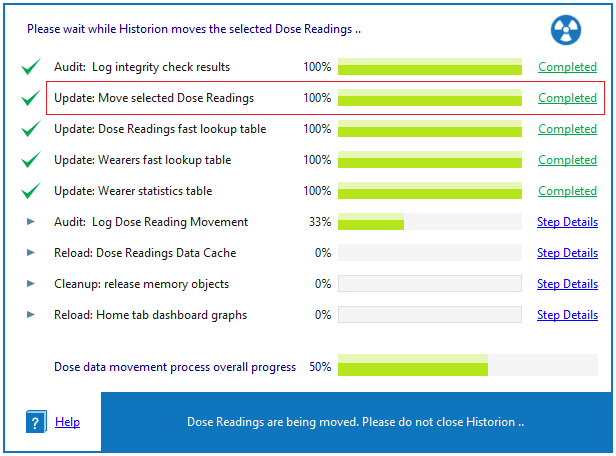
This step
üA
üB
üC
Update: Dose Readings fast lookup table
Update: Dose Readings fast lookup table..
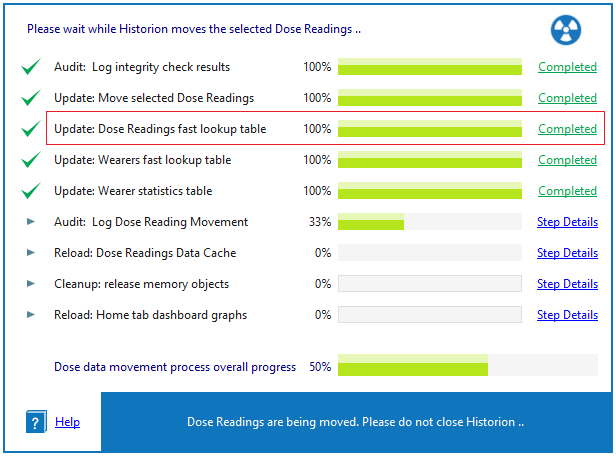
This step
üA
üB
üC
Update: Wearers fast lookup table
Update: Wearers fast lookup table..
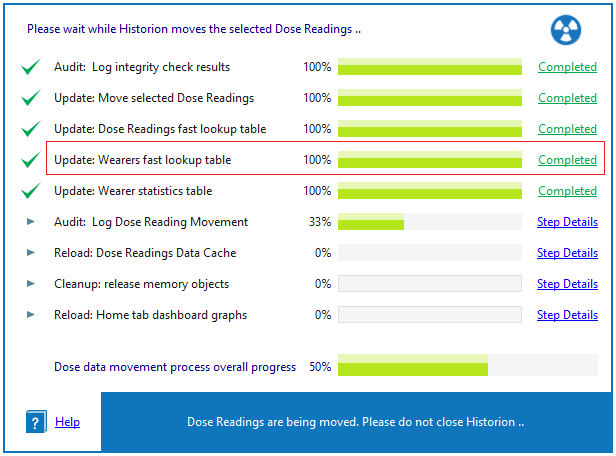
This step
üA
üB
üC
Update: Wearer statistics table
Update: Wearer statistics table..
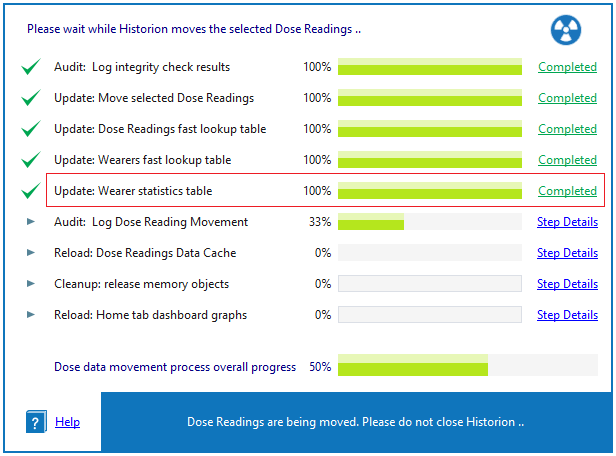
This step
üA
üB
üC
Audit: Log Dose Reading Movement
Audit: Log Dose Reading Movement..
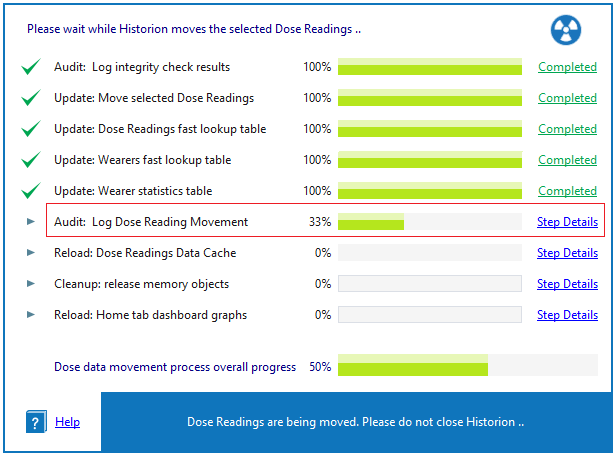
This step
üA
üB
üC
Reload: Dose Readings Data Cache
Reload: Dose Readings Data Cache..
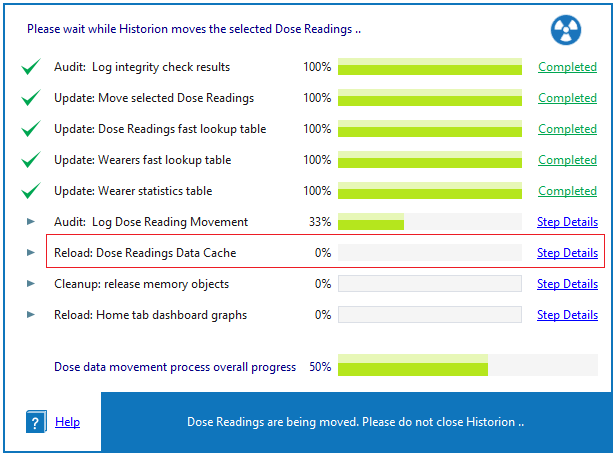
This step
üA
üB
üC
Cleanup: release memory objects
Cleanup: release memory objects..
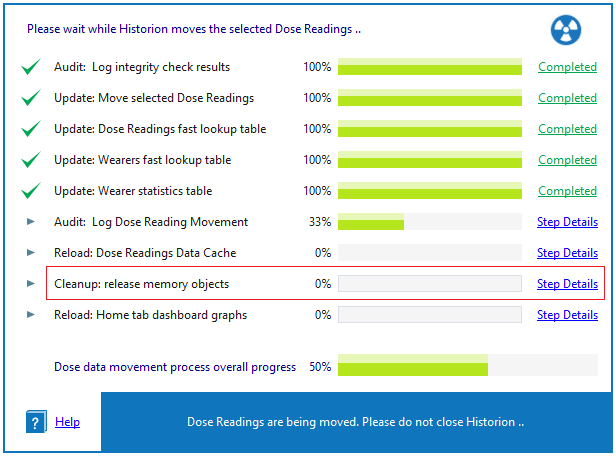
This step
üA
üB
üC
Reload: Home tab dashboard graphs
Reload: Home tab dashboard graphs..
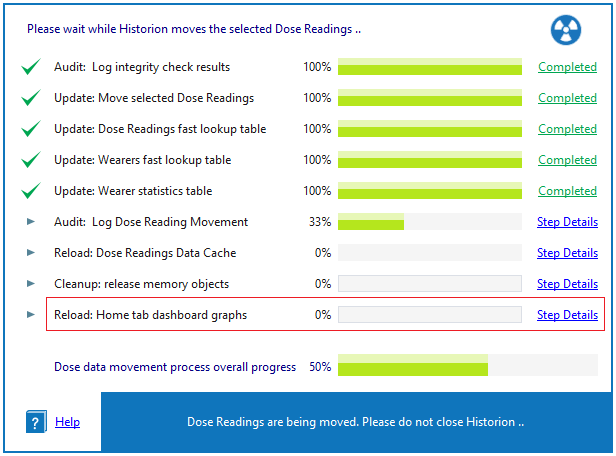
This step
üA
üB
üC
|