|
Accessing the Move Dose Readings Feature
Administrator Role Requirement
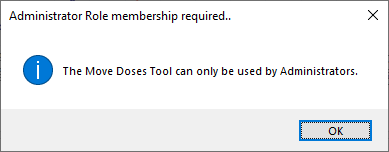
Moving Dose Readings between Wearers in Historion requires Administrator Role membership.
Ribbon Location
The Move Doses Tool is accessed from the Move Doses feature icon in the Merge/Split drop-down menu under the Wearers tab.
.png)
Move Doses Tool
Shortcut Key
The Move Doses Tool can also be accessed by pressing CTRL+M
(Hold down the control key and select the letter M)
If a non-Administrator User tries this shortcut the tool is not available and the following dialogue is displayed:
|